
How to Turn Off the Anti-Theft System in Your Car
Posted on September 8, 2025
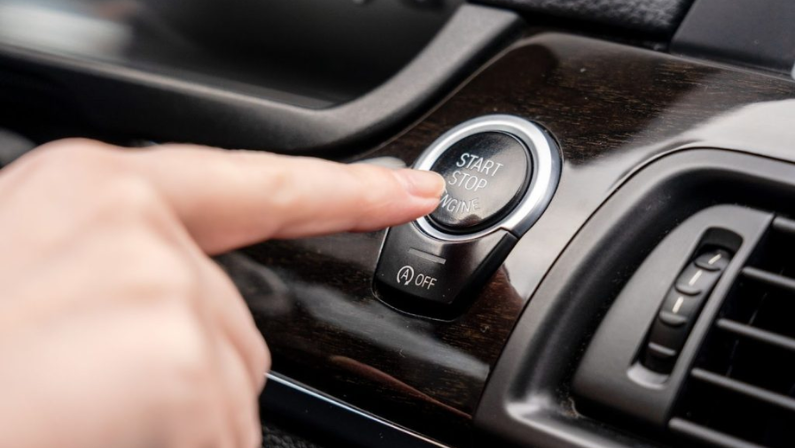
Modern vehicles come equipped with advanced anti-theft systems—a critical feature for protecting your car from unauthorized access. While these systems offer invaluable security, they can occasionally trigger unexpectedly, leaving you stranded with a car stuck in theft mode or an unresponsive key fob.
If your vehicle won’t start, the alarm won’t stop, or your ignition seems locked, don’t panic. Often, the issue stems from a triggered automotive anti-theft system, and resolving it can be simpler than you think.
In this guide, we’ll walk you through how to turn off anti-theft mode safely, whether you’re dealing with a Chrysler, Dodge, Jeep, or RAM model or another make. Follow these steps to disable the anti-theft system and get back on the road quickly.
Understanding Your Car’s Anti-Theft System
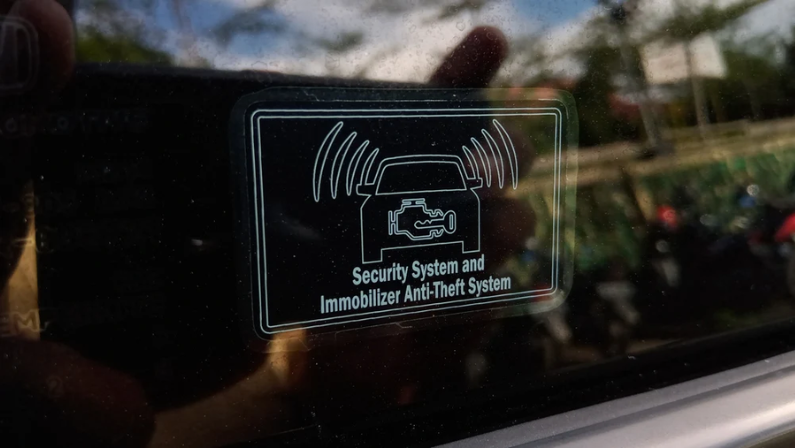
To better understand how to turn off your car’s anti-theft system, it helps to know how these systems work. Most vehicles today are equipped with one or more types of anti-theft features, such as immobilizers and alarm systems.
These tools are designed to either stop a thief from taking your car or alert you (and others nearby) if someone tries to break in.
An immobilizer works by preventing the engine from starting unless it detects the correct key or transponder. It disables important components like the ignition and fuel systems, making it nearly impossible to drive the car without the proper key.
Alarm systems, on the other hand, go off when they sense something suspicious, like a broken window, forced door entry, or sudden impact. Some cars even include GPS tracking or smart key tech for added protection. Together, these systems create layers of security to keep your car safe.

How To Disable the Anti-Theft System in Your Vehicle
If your car’s anti-theft system has been triggered and you're stuck, don’t worry—there are a few simple things you can try to turn it off and get back on the road.
1. Try Unlocking the Door with the Physical Key
Sometimes, using the actual physical key (not the remote) to unlock the driver’s side door can reset the anti-theft system. Insert the key, turn it to unlock, and hold it for a few seconds. This method works on many vehicles that use key-based security sensors in the door.
2. Switch the Ignition to the “On” Position
Another method is to insert your key into the ignition and turn it to the “On” position without starting the engine. Leave it there for about 10–15 minutes. This gives the system time to recognize the key and reset itself.
3. Inspect the Door Lock Cylinder and Key for Damage
If your key or door lock has been damaged (either from wear and tear or an attempted break-in), it might confuse the anti-theft system. Check for signs of damage or dirt and clean or replace them if necessary.
4. Learn More About Your Vehicle’s Security System and Key Fob
Not all anti-theft systems work the same way. Look up how your car’s system is designed, especially if it uses a smart key or push-button start. Sometimes, replacing the battery in the key fob or reprogramming it can solve the problem.
5. Check the Fuses Connected to the Immobilizer
Your car’s immobilizer system is connected to a fuse. If that fuse is blown or loose, the system may not work correctly. Locate the fuse box (usually under the hood or dashboard), find the fuse for the immobilizer, and inspect it for issues.
6. Temporarily Disconnect the Car Battery
As a last resort, you can try disconnecting the negative terminal of your car battery for about 15 minutes. This can help reset the electronics in your vehicle, including the anti-theft system. Be sure to reconnect the battery securely afterward.
7. Refer to Your Owner’s Manual or Ask a Dealer for Help
If none of the above steps work, it’s best to check your owner’s manual for model-specific instructions. Still stuck? Don’t hesitate to contact your dealership or a trusted mechanic; they’ll have the tools and knowledge to diagnose and fix the issue safely.

What Falsely Triggers the Anti-Theft System in a Car?
Anti-theft systems are meant to keep your car safe - but sometimes, they can be a bit too sensitive. A number of common factors can trigger false alarms, causing unnecessary frustration or confusion.
Understanding what can cause these false alerts can help you prevent them and keep your system functioning as intended.
1. Sensitivity Settings
If your car’s anti-theft system is set to a high sensitivity level, it may react to harmless activity. Slight movements like a loud noise, a heavy truck passing by, or even someone brushing against your car can trigger the alarm. Lowering the sensitivity settings can help prevent these kinds of false positives.
2. Environmental Conditions
Extreme weather, like strong winds, heavy rain, or sudden temperature shifts, can affect your vehicle’s sensors. These conditions may be interpreted as threats, especially if the sensors are overly sensitive or malfunctioning.
3. Electromagnetic Interference
Nearby radio towers, construction equipment, or even other electronic devices can create electromagnetic interference. This can confuse your car’s system and result in false alarms or disruptions in communication between your car and key fob.
4. System Malfunctions
Electrical issues, faulty wiring, or a glitch in the software can cause your anti-theft system to misfire. Damaged sensors, especially hood or door sensors, are common culprits that can cause random alarms without any real threat.
5. Human Error
Sometimes, the issue isn’t the car—it’s us. Accidentally pressing the panic button, using the wrong key, or entering the wrong code can all trigger the alarm. Also, improper installation or outdated system components can lead to errors in how the system reads everyday activity.

6. Battery Issues
A weak battery in either your vehicle or key fob can interrupt signal transmission. If the system can’t detect the fob properly, it might assume there’s a threat and trigger the alarm. Regular battery checks can help avoid this.
7. Vehicle Vibrations
Anti-theft systems with vibration sensors may pick up on outside movement. Construction nearby, thunder, or loud bass from music can all send vibrations through the car, potentially setting off an alert.
8. Animal Interference
Small animals like cats jumping on the hood or birds nesting near sensors can trigger motion detectors. While not harmful, this type of interference can still activate the alarm unexpectedly.
9. User Habits
Repeated actions, like quickly locking and unlocking the car or using the key in a certain way, might confuse the system if it starts to associate those patterns with unauthorized access.
10. Poorly Installed Alarm System
Aftermarket alarm systems that aren’t properly installed can cause all sorts of problems. Loose wires, bad connections, or incorrect programming can result in frequent false alarms and system errors.
11. Interference from Other Vehicles
Cars parked nearby may have anti-theft systems or keyless entry tech that shares a similar frequency to yours. In rare cases, this frequency overlap can cause signal disruption, resulting in random alarms or failure to recognize your key fob.
Preventive Measures to Avoid Future Car Anti-Theft Lockouts
To reduce the chances of getting locked out or having your car’s anti-theft system activate unexpectedly, there are several simple steps you can take to keep your vehicle secure and the system functioning properly.
1. Regularly Check and Replace the Key Fob Battery
A weak or dead key fob battery is one of the most common reasons for anti-theft lockouts. Make it a habit to check your key fob’s battery regularly and replace it when needed to ensure it communicates correctly with your vehicle.
2. Handle Keys with Care
Keys and key fobs are delicate electronic devices. Avoid dropping them or exposing them to water or extreme temperatures, which can damage their internal components and affect their functionality.
3. Keep a Spare Key Accessible
Having a spare physical key or backup key fob stored in a safe but accessible place can save you from being stranded if your main key fails or is lost.
4. Understand and Adhere to User Manual Instructions
Every vehicle has specific procedures for using and troubleshooting its anti-theft system. Familiarize yourself with your car’s owner’s manual to avoid accidental triggers and learn how to reset the system properly.
5. Avoid Leaving Valuables Visible in the Vehicle
Visible valuables can attract unwanted attention and increase the risk of break-ins. Keeping your belongings out of sight reduces the chance of tampering that could set off your alarm system.
6. Secure All Doors and Windows Before Leaving
Always double-check that all doors, windows, and the trunk are fully closed and locked before walking away from your car. Even a slightly ajar door can cause the anti-theft system to activate.
7. Be Mindful of Environmental Conditions That May Trigger the System
Strong winds, heavy rain, or nearby vibrations from construction can falsely trigger your car’s sensors. Whenever possible, park in sheltered or quieter areas to reduce these risks.
8. Schedule Regular Maintenance Checks
Routine vehicle inspections can catch sensor issues, wiring problems, or battery concerns before they cause system malfunctions or lockouts.
9. Update Software and Firmware as Advised by the Manufacturer
Many modern vehicles rely on software for their security systems. Keeping your vehicle’s software up to date ensures you have the latest fixes and improvements that help prevent false alarms and lockouts.
10. Consider Additional Security Measures
If your vehicle is prone to false alarms or if you want extra peace of mind, consider installing supplementary security features such as steering wheel locks, GPS tracking devices, or professional-grade alarm systems that can work alongside your existing setup.
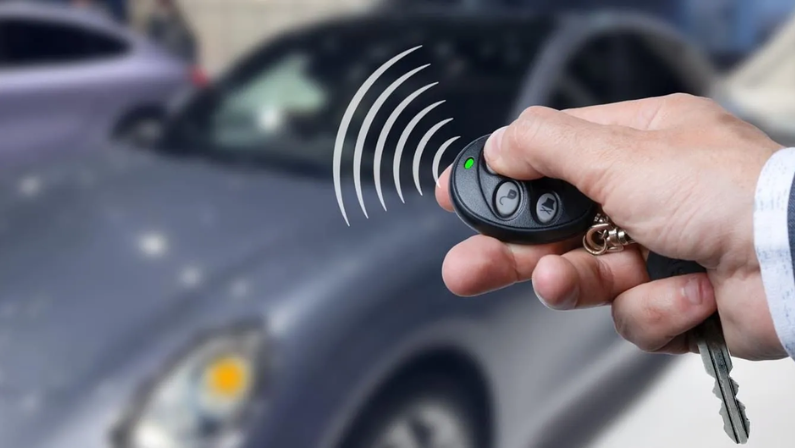
Stay Calm, Stay Smart: Regain Control of Your Anti-Theft System
A triggered anti-theft system can be frustrating, but as we’ve shown, resolving it is often just a matter of following the right steps. Whether you drive a Chrysler, Dodge, Jeep, or RAM, these tips can help you disable the anti-theft mode and get back on the road with confidence.
If the issue persists—or if you’d prefer expert assistance—our certified technicians at CarHub North York Chrysler are here to help. We specialize in diagnostics, security system resets, and ensuring your vehicle runs smoothly.
Need Immediate Support? Schedule a Service Appointment or Call Us: 1 (877) 849-8734
For more car care tips and expert advice, explore our Blog or visit us in person. Let’s keep your drives secure and stress-free!